
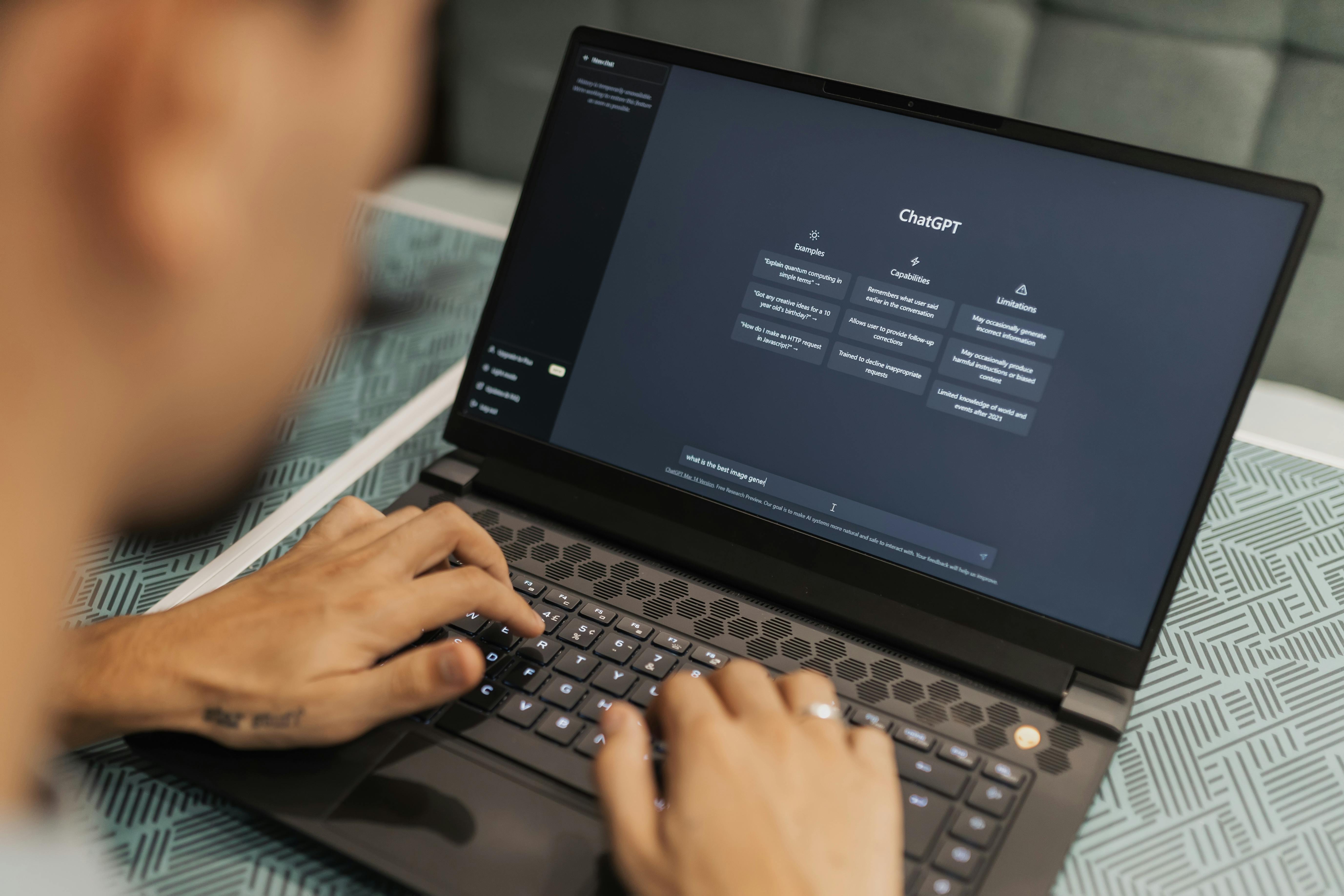
Work smarter, not harder: A guide to creating your own custom ChatGPT bot
Virtual Assistants are always looking for ways to work smarter, not harder. And while ChatGPT can be divisive, it can be a great way to make you and your business more productive and efficient.
Whether you’re a business leader looking to automate repetitive tasks or add more of a personal touch to your communications, or you’re a Virtual Assistant looking to do the same for multiple clients, creating a custom ChatGPT could be a game changer.
Save time, improve efficiency and create a better service for your clients. But, a word of caution, ChatGPT is great, but it is ultimately a ‘robot’, you need to keep a close eye to give its outputs a human touch.
Why use custom ChatGPT rather than regular ChatGPT?
There’s no denying the standard ChatGPT can be very helpful. If you’ve ever been stuck for dinner ideas, or wanted to quickly and easily structure some notes, you’ll know how useful it can be. But a custom ChatGPT can take things a step further by tailoring the bot’s responses, tone and memory to your specific needs, brand guidelines, target audience etc.
Better efficiency
A custom ChatGPTs allows you to pre-programme it to follow specific instructions and patterns. Rather than starting from scratch every time, the bot already knows your preferences, so you’ll get faster, better quality results for your needs.
Tailored communication
You can create individual bots for each client, product or project, so the tone, style and priorities of each is always aligned with no additional tweaks from you.
Consistency
A custom ChatGPT will make sure all responses, emails, formatting or reports for your project (or client or product etc) stay consistent.
Automation
Custom ChatGPTs can manage your repetitive tasks like creating sales pipelines, automating onboarding processes or managing reminders, so you can focus on more strategic (and fun!) elements of your business.
How a custom ChatGPT can work for you: a real life example
Here’s an example from one of our Upsource Virtual Assistants who uses a custom ChatGPT for their client: automating repetitive tasks like weekly client reports.
Lu-Ise, our AI wizard, asked her chatbot to
- Collect client updates throughout the week
- Summarise the key points in a client-friendly tone
- Generate a polished, ready-to-send report
By streamlining your own processes, even 10 minutes per report, you could potentially free up hours in your week.
How to build your own custom ChatGPT
Our quick guide to building your own custom bot:
- Choose the right platform for you
While ChatGPT is the most popular and longest standing option, other tools like Claude are viable options. - Define your needs
What are your top 5 most repetitive or time-consuming daily or weekly tasks? Which of these could be automated? Email responses, sales reports etc - Train your bot
When programming your bot, you need to be as clear as possible in defining what you want from them. Think about these five key guidelines:- Role: Who is the bot pretending to be (You? A professional writer? New business development manager?)
- Goal: What is the outcome you’re looking for?
- Audience: Who is the bot speaking to, what kind of tone should it use?
- Tasks: Outline step-by-step what the bot should do and any questions it should be asking.
- Desired Output: Specify the exact type of response you want.
- Test test test
Make sure to thoroughly test your bot before trusting it, it’s crucial to make sure you’re getting the responses and outcomes that you want. Run real world scenario tests and tweak the bot’s responses based on your feedback. And tell it why! - Start small
Begin with one simple task like automated email responses and scale from there. Building a fully automated system takes time, but starting small allows you to see results quickly and for you and the bot to learn as you go.
Don’t forget to be human
We have all received or seen something obviously written by ChatGPT and passed off as human: we’ve all seen the tell tale em dash –. But automation and using chatbots doesn’t have to mean losing the human touch.
Always, always, review your chatbot’s work, and give it honest and full feedback. Think of it as a new robot team member that needs to be trained, and that means full and constructive criticism. The more you put in, the more you get out as you refine it over time. And if you’re a VA, make sure that your client is aware and onboard with your using AI.
By using a custom chat bot to handle your repetitive tasks, you can focus on the more human aspects of your business: strategy, creativity, relationship building.
If you’re ready to start building your own custom chatbot, remember: start small and test test test. If you think you need some help, get in touch with Caroline and she can set you up with a Virtual Assistant to train your chatbots for you.
Are you a Virtual Assistant and looking for more help and advice on how to create a stronger and more efficient business? Sign up for our monthly newsletter The Agenda, and receive resources, industry news and hot takes straight to your inbox.
Leave a Reply